Adobe Photoshop 2019, officially released in October 2018, is part of the Creative Cloud family and remains a highly popular version of the world’s most recognized photo editing software. Whether you are a photographer, graphic designer, or digital artist, Photoshop 2019 provides professional tools and performance enhancements that make creative work faster, smarter, and more intuitive. In this article, we will explore its main features, system requirements, and reasons why many users still prefer this edition over later releases and buy.
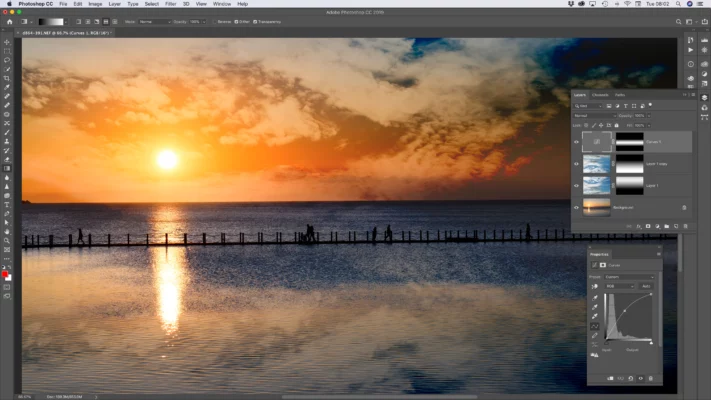
Key Features of Adobe Photoshop 2019
H3: Content-Aware Fill Workspace
One of the standout features in Photoshop 2019 is the redesigned Content-Aware Fill. Unlike older versions, this update introduced a dedicated workspace that allows users to refine selections and preview results in real-time. This makes object removal, background extension, and retouching much more precise and efficient.
Frame Tool for Easy Layouts
Photoshop 2019 introduced the Frame Tool, which simplifies the process of inserting images into placeholders. Designers can quickly create circular or rectangular frames and drag images inside, improving workflow speed for layouts, mockups, and templates.
Symmetry Painting Mode
Digital artists enjoyed the new Symmetry Mode, which enables mirrored drawing across multiple axes. This feature is especially useful for creating patterns, mandalas, and balanced illustrations without manually duplicating strokes.
Multiple Undo and Auto-Commit
Photoshop 2019 finally modernized the undo system. With Ctrl+Z, users can go back through multiple history steps instead of being limited to a single undo. The Auto-Commit function also streamlines editing, applying changes automatically when you switch tools—saving time and effort.
Performance Improvements in Photoshop 2019
Adobe focused on making the software smoother and more responsive. Startup times were improved, and the interface was better optimized for HiDPI screens. Scaling and icon clarity became more consistent across different displays, making Photoshop 2019 ideal for professionals working on 4K monitors or Retina displays.
System Requirements
Windows Requirements
OS: Windows 7 SP1 (64-bit) or later
Processor: Intel or AMD 64-bit, 2 GHz or faster
RAM: Minimum 2 GB (8 GB recommended)
Disk Space: 3.1 GB of free storage
GPU: OpenGL 2.0 support with at least 512 MB VRAM (2 GB recommended)
macOS Requirements
OS: macOS Sierra (10.12) or newer
Processor: Intel multicore 64-bit
RAM: Minimum 2 GB (8 GB recommended)
Disk Space: 4 GB available storage
GPU: Metal-capable graphics card recommended
Why Choose Adobe Photoshop 2019 Today?
Although newer versions such as Photoshop 2023 and 2025 offer advanced AI-powered tools like Neural Filters and enhanced cloud features, Photoshop 2019 is still widely used due to its stability, lighter system requirements, and familiar interface. Many creative professionals consider it the perfect balance between modern features and performance efficiency.
Conclusion
Adobe Photoshop 2019 remains a reliable choice for photographers, designers, and digital artists who want professional tools without requiring the latest hardware. With features like Content-Aware Fill workspace, Symmetry Mode, Frame Tool, and multiple undo, it delivers a strong editing experience that still holds value today. If you are looking for a stable, versatile, and powerful photo editing software, Photoshop 2019 is an excellent option.
✔ Tested: This software was tested on Windows 10 & Windows 11 and works smoothly without issues.
Frequently Asked Questions
- Is this software free?
Yes, it can be downloaded and used for free. - Does it support Windows 11?
Yes, it works perfectly on Windows 10 and 11. - Is it safe to use?
Yes, the software was scanned and tested before publishing.
Last updated: مايو 2026
Frequently Asked Questions
- هل هذا البرنامج مجاني؟ نعم، مجاني للاستخدام الشخصي.
- هل يعمل على Windows و Mac و Android؟ نعم، متوافق مع أغلب الأنظمة.
- هل الملفات آمنة؟ نعم، جميع الملفات يتم فحصها قبل النشر.