
Overview of Cent Browser 5.0.1002.354
Cent Browser 5.0.1002.354 is a modern Chromium-based browser designed to deliver a faster, safer, and more flexible internet experience. Built on the same foundation as Google Chrome, Cent Browser adds unique improvements that make web browsing more efficient and enjoyable. Its focus on customization, memory optimization, and advanced privacy settings makes it a powerful alternative to standard browsers.
Unlike other Chromium variants, Cent Browser offers a balance between simplicity and advanced functionality. It includes smart gestures, better tab control, and an impressive set of privacy tools, giving users full control over their browsing habits.
Key Features and Enhancements
Improved Tab Management
One of the most popular features in Cent Browser 5.0.1002.354 is its enhanced tab system. Users can duplicate, mute, or close tabs easily using mouse gestures or keyboard shortcuts. The browser also offers a tab preview feature, which allows users to hover over tabs and see live thumbnails—an ideal tool for multitaskers who handle many open pages simultaneously.
Memory and Performance Optimization
Cent Browser is optimized for performance. The integrated memory optimization tool automatically frees unused resources, reducing lag and preventing the browser from consuming excessive RAM. This feature is especially valuable for users working on older systems or those who frequently keep multiple tabs open.
Advanced Privacy Tools
Privacy is a major focus in Cent Browser. The latest version includes an Incognito Tab Lock, preventing unauthorized access to private sessions. Users can also clear browsing data automatically on exit and block trackers more effectively than in standard Chromium builds.
Additionally, Cent Browser provides Super Drag and Drop, allowing quick searches or link openings with simple mouse movements—saving time and making navigation seamless.
Compatibility and Extensions
Chrome Extension Support
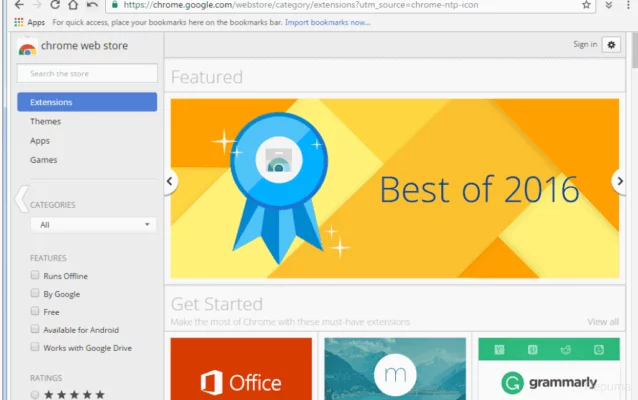
Since Cent Browser is Chromium-based, it supports all Chrome Web Store extensions. Whether you want to use ad blockers, VPN tools, download managers, or password managers, Cent Browser can handle them without issues. This gives users the flexibility to customize their browsing experience with tools they already trust.
Portable Version
Another impressive feature is its portable mode. Cent Browser can be run directly from a USB drive without installation. This makes it ideal for users who want a personal, secure browser they can take anywhere, especially when using shared or public computers.
Performance and Security
Cent Browser 5.0.1002.354 includes faster rendering and optimized startup times, resulting in smoother browsing. The developers have focused on balancing performance and stability by improving resource allocation.
From a security standpoint, Cent Browser uses the latest Chromium security patches. It provides sandboxing technology that isolates web processes, preventing malware or harmful websites from affecting the system. Users can also enable HTTPS-only mode for safer connections.
Why Choose Cent Browser 5.0.1002.354
Cent Browser stands out for users who want the power of Chrome but with more control and customization. Its added features—like gesture navigation, tab previews, and privacy enhancements—provide a premium experience without sacrificing speed or security.
In everyday use, Cent Browser feels lighter and faster than many competitors. It is an excellent choice for users who value privacy, multitasking, and convenience in one package.
Conclusion
Cent Browser 5.0.1002.354 successfully combines speed, customization, and privacy protection into one smart browser. Its advanced memory management, gesture-based navigation, and Chrome extension support make it a well-rounded tool for both casual and power users.
Whether you’re browsing, streaming, or working online, Cent Browser ensures a smooth, secure, and personalized web experience that surpasses the limitations of standard browsers.
✔ Tested: This software was tested on Windows 10 & Windows 11 and works smoothly without issues.
Frequently Asked Questions
- Is this software free?
Yes, it can be downloaded and used for free. - Does it support Windows 11?
Yes, it works perfectly on Windows 10 and 11. - Is it safe to use?
Yes, the software was scanned and tested before publishing.
Last updated: January 2026