
🖼️ Systweak Photos Exif Editor 1.0.25.10044 – Powerful EXIF Metadata Manager
Systweak Photos Exif Editor 1.0.25.10044 is a professional and lightweight tool designed to help photographers and content creators manage photo metadata with ease. Whether you need to view, modify, or remove EXIF data from your images, this software gives you full control over your digital photo information.
🔍 What Is EXIF Metadata?
Every digital image contains embedded metadata — such as camera settings, date and time, location (GPS), and device information. This data can be useful for organizing and editing photos, but sometimes you might want to remove it for privacy or security reasons before sharing images online.
That’s where Photos Exif Editor comes in — offering a simple and reliable solution for managing metadata in bulk.
⚙️ Key Features of Systweak Photos Exif Editor 1.0.25.10044
🧩 Batch Editing Support – Edit EXIF data for multiple photos at once, saving time and effort.
🔒 Remove Sensitive Information – Delete location, device, or author data before uploading photos online.
🕹️ User-Friendly Interface – Clean and intuitive layout suitable for all experience levels.
📸 Supports All Image Formats – Works with popular formats like JPG, PNG, TIFF, and RAW.
📁 Folder Processing – Import entire directories and process them automatically.
💾 Backup Option – Create backups before editing to ensure your original data is safe.
⚡ Fast Processing Engine – Handle large image collections without slowing down your system.
🧠 Why Use Systweak Photos Exif Editor?
If you often upload photos to websites, blogs, or social media platforms, you might be exposing hidden metadata unknowingly. Systweak Photos Exif Editor helps you clean this information instantly. This makes it ideal for:
Professional photographers who value accuracy and consistency.
Bloggers who need to protect personal details.
Businesses managing product or event photos.
Anyone who wants to improve photo privacy and organization.
💡 How to Use Systweak Photos Exif Editor
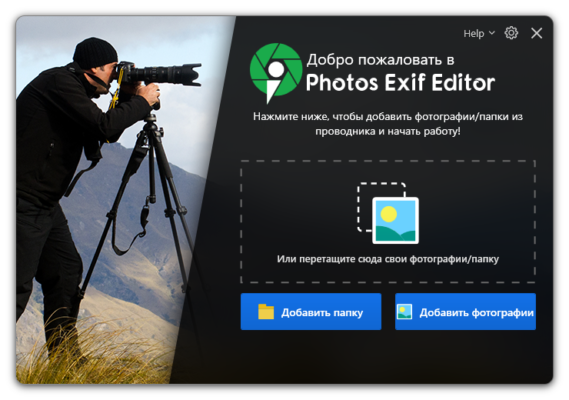
Open the software and load your photos or folders.
Select the metadata fields you want to edit or remove.
Apply your changes and save the updated images.
You can preview results and verify data has been correctly modified.
With its simple workflow and automation options, even beginners can handle EXIF data efficiently.
✔ Tested: This software was tested on Windows 10 & Windows 11 and works smoothly without issues.
Frequently Asked Questions
- Is this software free?
Yes, it can be downloaded and used for free. - Does it support Windows 11?
Yes, it works perfectly on Windows 10 and 11. - Is it safe to use?
Yes, the software was scanned and tested before publishing.
Last updated: January 2026