
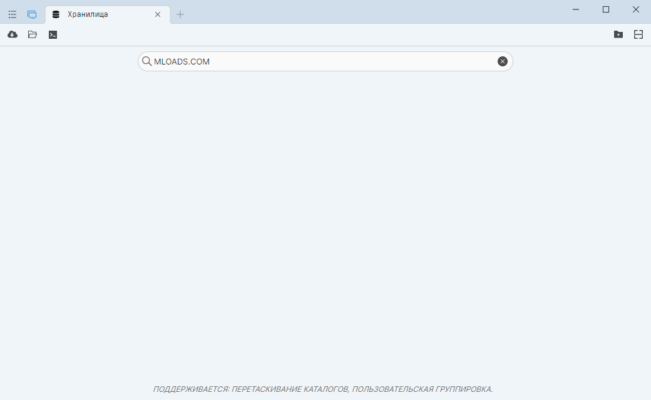
SourceGit 2025.30 is the latest release of the open-source Git GUI client that runs on Windows, macOS, and Linux. Designed to be lightweight yet powerful, SourceGit allows developers and power users to interact with Git repositories visually—without the need to use command-line instructions. The latest version, released on August 11, 2025, introduces usability enhancements like double-click-to-checkout tags and improved fetch behavior .
Why SourceGit Stands Out
Cross-Platform & Lightweight
SourceGit works seamlessly across major desktop environments including Windows, macOS, and Linux. It delivers a GUI rich in features without compromising on performance or resource usage.
Extensive Git Functionality
With SourceGit you get an extensive suite of Git tools such as:
Visual commit graph and history browsing
Branch, remote, tag, and stash management
Merge, rebase, reset, revert, cherry-pick
Interactive rebase workflow and patch generation
Support for GitFlow, Git LFS, submodules, worktrees
Diff tools including side-by-side, image diff, and file history
OpenAI-powered automated commit message generation
What’s New in Version 2025.30
Enhanced Tag UX
Double-clicking on a tag now automatically checks out the referenced commit—streamlining tag navigation.
Improved Fetch Behavior
By default, the --all option is disabled during fetch to avoid unnecessary operations and potential performance issues.
Getting Started with SourceGit 2025.30
System Prerequisites
Before installing, ensure you have Git (version 2.25.1 or higher) installed on your system.
Installation Options
Windows: Use Winget, Scoop, or download from GitHub Releases for a portable setup.
macOS: Install with Homebrew (
brew install --cask sourcegit).Linux: Use
deborrpmrepositories, or download AppImage files.
Features at Your Fingertips
Once installed, users can clone or open repositories, navigate a visual commit graph, manage branches or remotes, apply patches, work with submodules or stashes, and run complex Git commands via GUI. Advanced features like issue linking, custom actions, bisect tools, and AI-powered commit assistance make it a modern developer’s companion. GitHub
Final Verdict
SourceGit 2025.30 brings a polished, feature-rich, and high-performance GUI to Git workflows, enriched with modern touches like AI-enabled commit generation. It’s ideal for developers who prefer a visual environment without sacrificing power or flexibility. Whether you’re managing simple projects or complex workflows, SourceGit offers a clean, fast, and versatile alternative to traditional Git GUIs.
✔ Tested: This software was tested on Windows 10 & Windows 11 and works smoothly without issues.
Frequently Asked Questions
- Is this software free?
Yes, it can be downloaded and used for free. - Does it support Windows 11?
Yes, it works perfectly on Windows 10 and 11. - Is it safe to use?
Yes, the software was scanned and tested before publishing.
Last updated: January 2026